4K Gaming TVs Compared for Console and PC
Compare the TCL QM6K for a Mini-LED starting point, the LG C5 or Samsung S90F for OLED, and the Hisense U7 if your PC can use a higher refresh rate.
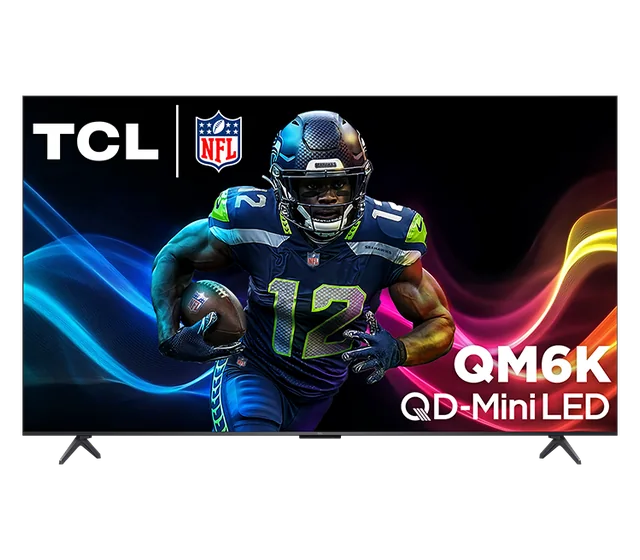
Side-by-side specs
Use the finder| Specification | TCL 65″ QM6K | LG 65″ C5 OLED | Samsung 65″ S90F OLED | Hisense 65″ U7 Mini-LED |
|---|---|---|---|---|
| Size | 65 inches | 65 inches | 65 inches | 65 inches |
| Panel | 4K QD Mini-LED LCD | 4K OLED evo | 4K OLED | 4K Mini-LED LCD |
| Refresh | 144 Hz native | 120 Hz native, up to 144 Hz VRR | Up to 144 Hz with a compatible PC | Up to 165 Hz in Game Mode |
| HDR | Dolby Vision IQ, HDR10+, HDR10, HLG | Dolby Vision, HDR10, HLG | HDR10+, HDR10, HLG | Dolby Vision IQ and HDR10+ |
| Platform | Google TV | webOS | Tizen | Google TV |
| Configuration | 65QM6K | OLED65C5PUA | QN65S90FAFXZA | 65U75QG |
Step-up gaming and streaming
TCL 65″ QM6K
65QM6K
A step up from basic 60 Hz sets for people who alternate between streaming and high-refresh gaming.
- Size
- 65 inches
- Panel
- 4K QD Mini-LED LCD
- Refresh
- 144 Hz native
Tradeoff Compare the QM7K or Hisense U8 if you need more brightness for a room with a lot of daylight.
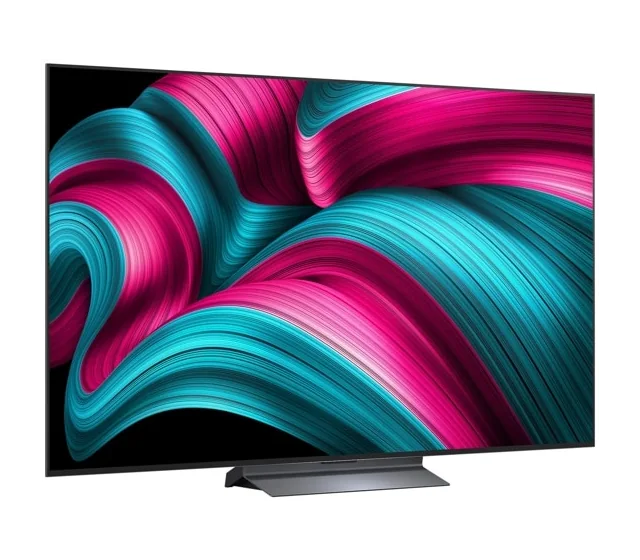
Movies and console gaming
LG 65″ C5 OLED
OLED65C5PUA
A flexible OLED for movie nights and multiple modern HDMI gaming devices.
- Size
- 65 inches
- Panel
- 4K OLED evo
- Refresh
- 120 Hz native, up to 144 Hz VRR
Tradeoff Room reflections and long periods of static imagery are worth factoring in. Compare Mini-LED for a sunny room or constant static content.
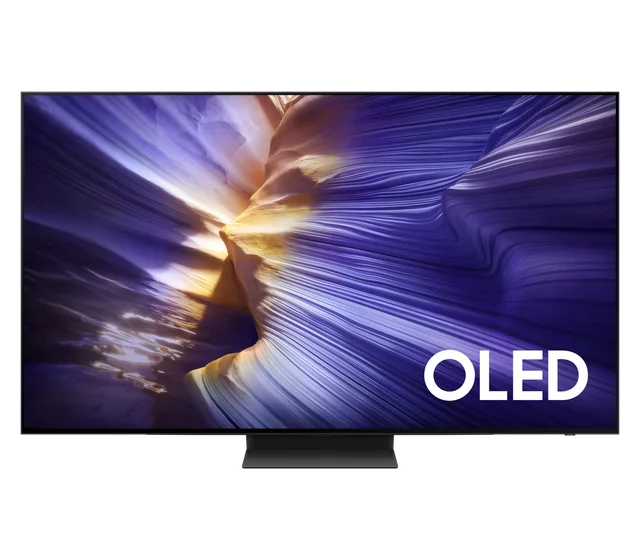
OLED with HDR10+
Samsung 65″ S90F OLED
QN65S90FAFXZA
An OLED alternative for high-refresh gaming and HDR10+ sources.
- Size
- 65 inches
- Panel
- 4K OLED
- Refresh
- Up to 144 Hz with a compatible PC
Tradeoff Choose the LG C5 or Sony if Dolby Vision playback is a priority. Don’t assume other S90F sizes use the same panel.
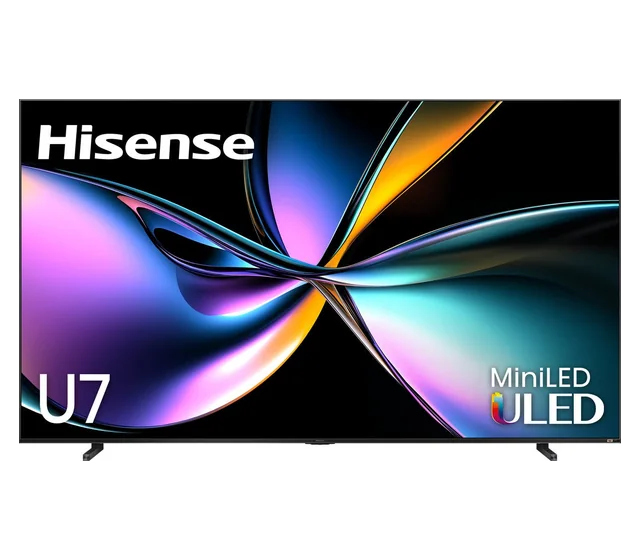
High-refresh PC play
Hisense 65″ U7 Mini-LED
65U75QG
A Mini-LED choice if you watch sports in a bright room and also connect a gaming PC that supports high refresh rates.
- Size
- 65 inches
- Panel
- 4K Mini-LED LCD
- Refresh
- Up to 165 Hz in Game Mode
Tradeoff The highest refresh rate needs a compatible source. Consoles and streaming apps won’t automatically use it.
What to look for
Match the TV to your source
For 4K/120 gaming, use compatible hardware, the correct HDMI input, and a game that supports the mode. Refresh rates above 120 Hz on these sets are primarily relevant to a compatible PC.
Count the ports you will use
If you own more than one console or use a soundbar, check which ports handle 4K/120, variable refresh, and eARC. The eARC connection for a soundbar can occupy one of a TV’s high-bandwidth inputs.
Common questions
- Does a 120 Hz TV make every game run at 120 fps?
- The display can accept a high-refresh signal, but the console or PC and the game determine how frequently new frames are rendered.