OLED vs. Mini-LED TVs for Your Room
An LG B5 or Sony BRAVIA 8 II OLED makes sense for movie nights with controlled light. Compare the TCL QM7K or Sony BRAVIA 9 Mini-LED if daytime viewing is just as important.
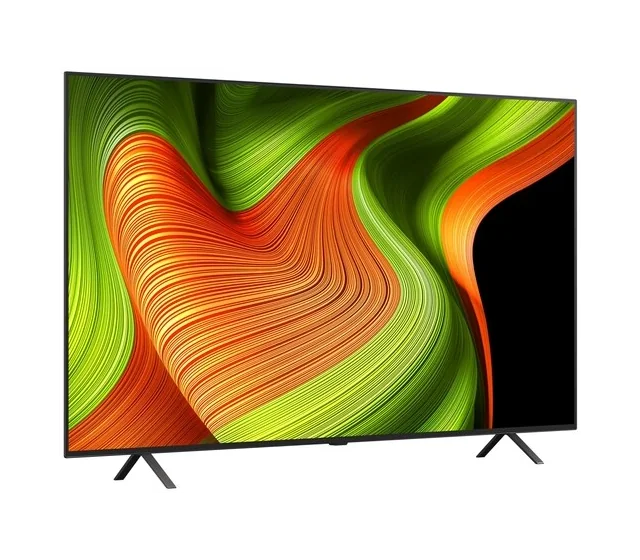
Side-by-side specs
Use the finder| Specification | LG 65″ B5 OLED | Sony 65″ BRAVIA 8 II | TCL 65″ QM7K | Sony 65″ BRAVIA 9 |
|---|---|---|---|---|
| Size | 65 inches | 65 inches | 65 inches | 65 inches |
| Panel | 4K OLED | 4K QD-OLED | 4K QD Mini-LED LCD | 4K Mini-LED LCD |
| Refresh | 120 Hz native | 120 Hz | 144 Hz native | 120 Hz |
| HDR | Dolby Vision, HDR10, HLG | Dolby Vision, HDR10, HLG | Dolby Vision IQ, HDR10+, HDR10, HLG | Dolby Vision, HDR10, HLG |
| Platform | webOS | Google TV | Google TV | Google TV |
| Configuration | OLED65B5PUA | K-65XR80M2 | 65QM7K | K-65XR90 |
Entry OLED for movie night
LG 65″ B5 OLED
OLED65B5PUA
An entry point to OLED for dark-room movie nights and 4K/120 console play.
- Size
- 65 inches
- Panel
- 4K OLED
- Refresh
- 120 Hz native
Tradeoff It is the lower-brightness option in this LG comparison. Look at the C5 or a Mini-LED set if you often watch in daylight.
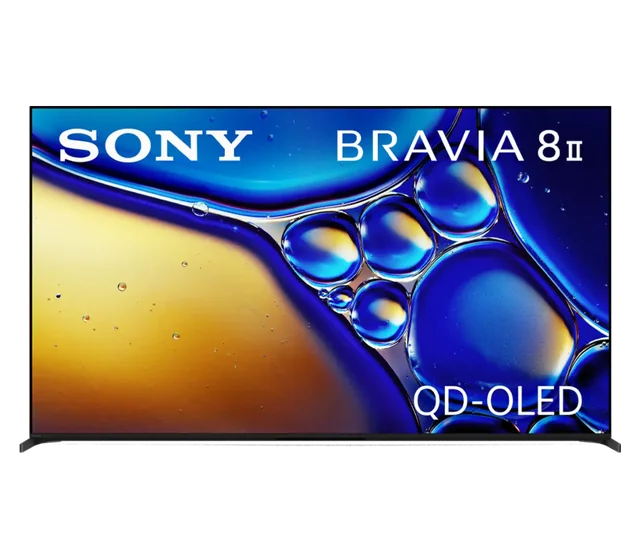
Movie-first OLED
Sony 65″ BRAVIA 8 II
K-65XR80M2
A premium movie-first pick for Dolby Vision, OLED contrast, and Google TV.
- Size
- 65 inches
- Panel
- 4K QD-OLED
- Refresh
- 120 Hz
Tradeoff Two inputs support 4K/120, and one doubles as eARC. Check your port needs if you have several gaming devices and a soundbar.
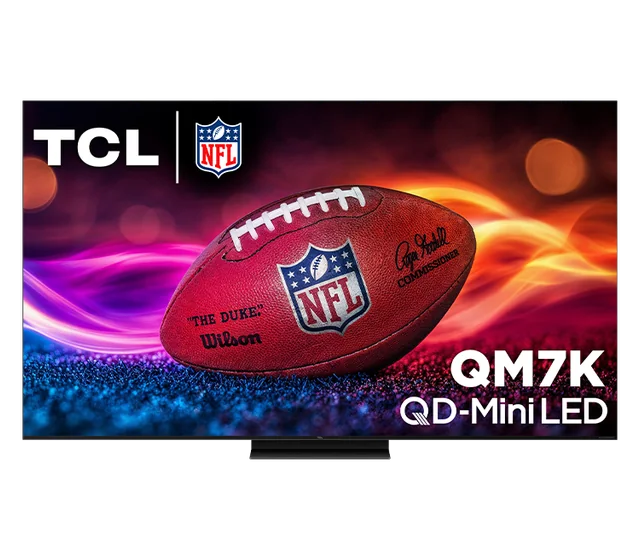
Bright-room all-rounder
TCL 65″ QM7K
65QM7K
A mixed-use choice for a brighter living room, sports, and high-refresh gaming.
- Size
- 65 inches
- Panel
- 4K QD Mini-LED LCD
- Refresh
- 144 Hz native
Tradeoff Local dimming can still show halos around bright objects on dark backgrounds. An OLED avoids backlight blooming.
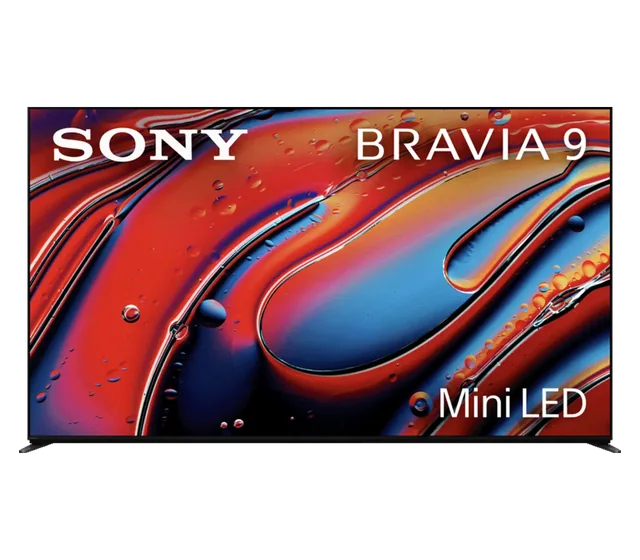
Premium mixed-light viewing
Sony 65″ BRAVIA 9
K-65XR90
A mix of daytime viewing and movie nights for shoppers who want Dolby Vision and a Mini-LED backlight.
- Size
- 65 inches
- Panel
- 4K Mini-LED LCD
- Refresh
- 120 Hz
Tradeoff It is a premium LCD. If you usually watch after dark and prioritize black levels, compare the BRAVIA 8 II OLED.
What to look for
Start with lighting and seating
OLED can turn individual pixels off, which helps black letterbox bars and bright subtitles on dark scenes. Mini-LED uses zones behind the LCD. A bright object can light up the area around it, depending on the set and the scene.
Check reflections and HDR support
A window directly behind the couch can reflect from either technology. Consider the screen finish and whether you can move the screen or shade the window. Then check the TV for Dolby Vision or HDR10+ against the devices and apps you use.
Common questions
- Is QLED the same as OLED?
- QLED here refers to an LCD with quantum dots. OLED pixels produce their own light. Check whether a QLED model uses a conventional LED or a Mini-LED backlight.